Mastering KDP Publishing with Ready-to-Use Weekly Planner Interiors
The self-publishing landscape on Amazon KDP has evolved significantly over the last decade. What began as a platform primarily for text-heavy novels and non-fiction books has transformed into a thriving marketplace for low-content and medium-content books. Among these, weekly planners remain a perennial bestseller. However, the barrier to entry has lowered, meaning competition has risen. For new and experienced publishers alike, the difference between a dormant listing and a consistent seller often lies in the quality of the interior and the efficiency of the creation process. This is where pre-designed, professional-grade Weekly Planner KDP interiors become an essential asset.
Understanding the technical and aesthetic requirements of a successful planner is crucial before hitting publish. It is not merely about uploading a PDF; it is about providing a functional tool that meets specific printing standards while offering value to the end user. By leveraging high-quality templates available in both PDF and PowerPoint formats, publishers can bypass the steep learning curve of graphic design software while maintaining full creative control over their final product.
The Strategic Value of Medium-Content Books
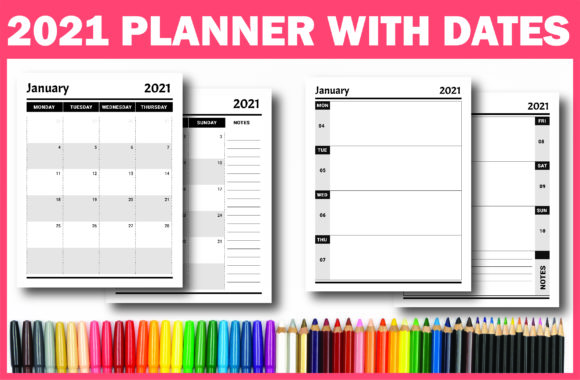
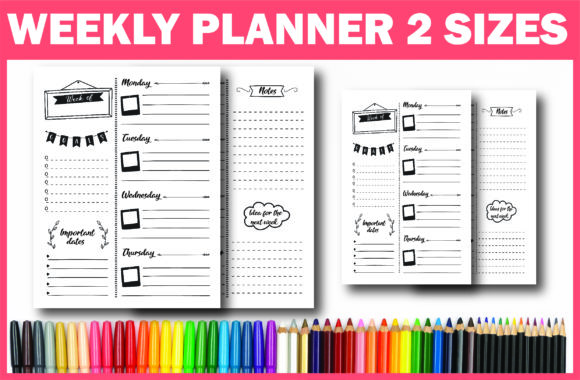
To understand why a specialized weekly planner interior is necessary, one must first understand the shift from "low-content" to "medium-content." Early KDP success stories often involved simple lined notebooks or blank journals. Today, Amazon’s algorithms and customer expectations favor books that offer structured utility. A weekly planner falls squarely into the medium-content category because it requires thoughtful layout design, consistent formatting, and purposeful organization.
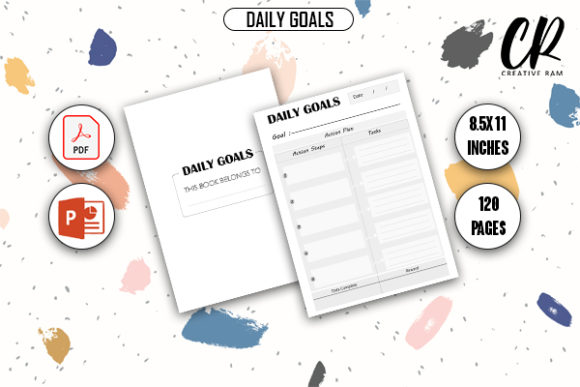
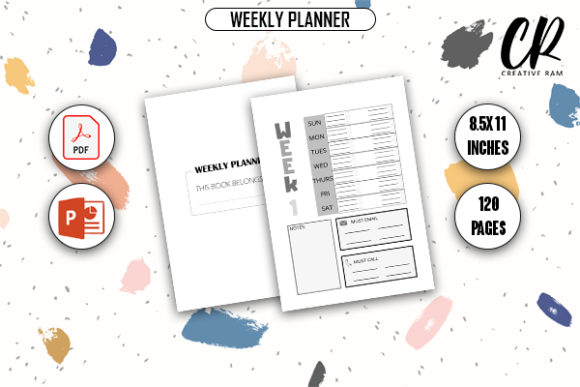
Customers purchasing planners on Amazon are looking for solutions to specific problems: time management, academic scheduling, fitness tracking, or business organization. A generic template rarely satisfies these specific needs. By utilizing a comprehensive 120-page interior designed specifically for weekly planning, you provide immediate value. This depth of content signals to both the Amazon algorithm and potential buyers that your book is a substantial resource rather than a quick cash-grab. The significance of this distinction cannot be overstated; it builds trust and encourages positive reviews, which are the lifeblood of KDP sustainability.
Technical Specifications: Why Dimensions and Bleed Matter
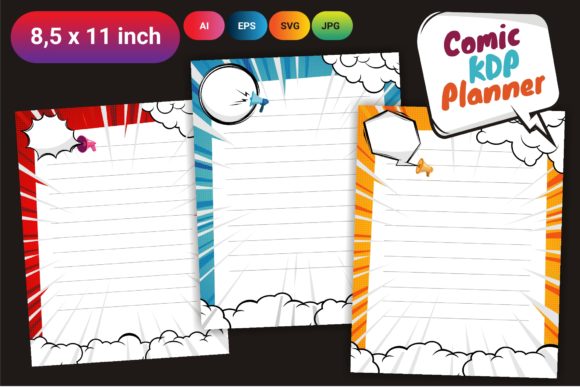
One of the most common pitfalls for KDP beginners is misunderstanding print specifications. A beautifully designed planner that fails Amazon’s automated review process is a wasted effort. The industry standard for weekly planners is 8.5″ x 11″ inches. This dimension mimics standard letter-size paper, providing ample writing space for users while remaining portable enough for bags and backpacks. It is the "Goldilocks" size for productivity tools—large enough to be useful, but small enough to be practical.
Equally important is the concept of bleed. In printing terminology, bleed refers to artwork or background elements that extend beyond the trim edge of the page. When Amazon prints a book, the mechanical trimming process has a slight margin of error. If your planner’s borders, headers, or decorative elements stop exactly at the edge of the document, you risk having unsightly white margins appear after trimming. A "With Bleed" file ensures that your design extends typically 0.125 inches beyond the trim line on all sides. This guarantees a professional, edge-to-edge finish that rivals traditionally published stationery.
The specification of 120 pages is also strategically chosen. This page count allows for a full year of weekly spreads (52 weeks) plus additional monthly calendars, goal-setting pages, notes sections, and introductory content. It creates a spine width sufficient for readable title text, which is vital for shelf visibility, without driving printing costs so high that profit margins evaporate.
The Advantage of Dual Format Files: PDF and PPTX
A critical feature of premium KDP interiors is the inclusion of source files alongside the print-ready PDF. While a high-quality PDF is mandatory for uploading to Amazon KDP, it is a static format. You cannot easily move elements, change fonts, or adjust layouts within a PDF. This is where the PPTX (PowerPoint) file becomes a game-changer for customization.
Many aspiring publishers assume they need expensive software like Adobe InDesign or Affinity Publisher to create or modify book interiors. While those tools are powerful, they present a significant learning curve. PowerPoint, conversely, is a familiar interface for millions of users. By providing the interior in PPTX format, you democratize the design process. You can open the source file and:
- Rebrand the Cover: Change colors and titles to match your specific niche branding.
- Modify Headers: Add motivational quotes, specific year dates, or personalized messages.
- Adjust Layouts: Move writing lines or checkbox areas to better suit your target audience’s handwriting size.
- Create Variations: Turn a single master template into multiple niche-specific products (e.g., a teacher planner, a nurse scheduler, and a student agenda) simply by tweaking text and accents.
This flexibility transforms a single purchase into a scalable publishing business model. Instead of buying a new template for every variation, you invest in one robust system that adapts to your evolving catalog strategy.
Customization as a Competitive Moat
In a saturated market, uniqueness is your primary defense against competition. Using a stock template without modification is a risky strategy because other sellers may have access to the same assets. The ability to customize via PPTX source files allows you to build a unique brand identity. Consider the difference between a generic "Weekly Planner" and a "Mindful Productivity Weekly Planner for Creative Entrepreneurs." The latter speaks directly to a specific demographic.
Through customization, you can tailor the interior features to match your cover promise. If your cover suggests minimalism, you can strip back decorative elements in the PPTX file. If your niche is colorful and vibrant, you can enhance the accent colors. This alignment between exterior marketing and interior experience reduces return rates and increases customer satisfaction. Furthermore, adding proprietary content—such as unique habit trackers or specialized reflection prompts—within the editable source file elevates your book from a commodity to a branded product.
Ensuring Print Quality and User Experience
The phrase "High-Quality Print Ready PDF" carries significant weight. Digital screens are forgiving; print is not. Colors that look vibrant on a monitor may print muddy if not calibrated correctly. Lines that appear crisp digitally might pixelate if the resolution is insufficient. Professional KDP interiors are engineered with print constraints in mind. They utilize appropriate color profiles (typically CMYK or optimized RGB for KDP’s digital presses), maintain safe margins to prevent text from being swallowed by the gutter, and ensure line weights are thick enough to reproduce clearly on standard white paper.
User experience (UX) in a physical book is defined by usability. Does the weekly spread allow enough room for daily tasks? Is there a dedicated area for priorities? Are the margins wide enough so the user doesn't have to break the spine to write near the binding? These are design decisions embedded in high-quality templates. By starting with a professionally specified interior, you inherit best practices in information architecture that would take months of trial and error to develop independently.
Streamlining the Path to Publication
Time is a finite resource for publishers. The technical setup of a book interior—setting up master pages, calculating gutters, managing bleed settings, and exporting correctly—can consume dozens of hours. For many, this technical friction is the primary reason projects stall. Downloadable, pre-formatted interiors remove this friction entirely.
The workflow shifts from "creation" to "curation and refinement." Instead of staring at a blank canvas, you are reviewing a completed structure and making strategic adjustments. This acceleration allows for faster testing of niches. In the KDP ecosystem, speed of implementation matters. Being able to launch a high-quality planner in days rather than weeks means you can capitalize on seasonal trends (like Back-to-School or New Year resolutions) while demand is peak. The combination of instant download availability and editable source files creates an agile publishing workflow that aligns with modern digital entrepreneurship.
Building a Sustainable Publishing Asset
Ultimately, investing in a comprehensive Weekly Planner KDP Interior is about building assets, not just products. The knowledge gained from customizing the PPTX files improves your understanding of book layout. The reviews gathered from a high-quality user experience boost your author profile. The variations created from a single source file expand your catalog footprint.
Whether you are an educator creating resources for students, a coach developing tools for clients, or a dedicated KDP publisher scaling a portfolio, the foundation remains the same: quality, compliance, and adaptability. By adhering to strict specifications like 8.5x11 dimensions with bleed, utilizing 120 pages of substantial content, and leveraging the dual power of PDF and PPTX formats, you position your publications for long-term success in a competitive but rewarding marketplace. The tools exist to make professional publishing accessible; the opportunity lies in how creatively and strategically you apply them.